

Microsoft SSO: Centralize access with single sign-on
Sendmarc integrates seamlessly with Microsoft SSO to centralize authentication, enforce policies, and streamline secure access across applications.
By combining SSO with Sendmarc’s email security platform, organizations can further ensure their email environments are protected. The result is stronger defense, easier user access, and reduced security overhead.
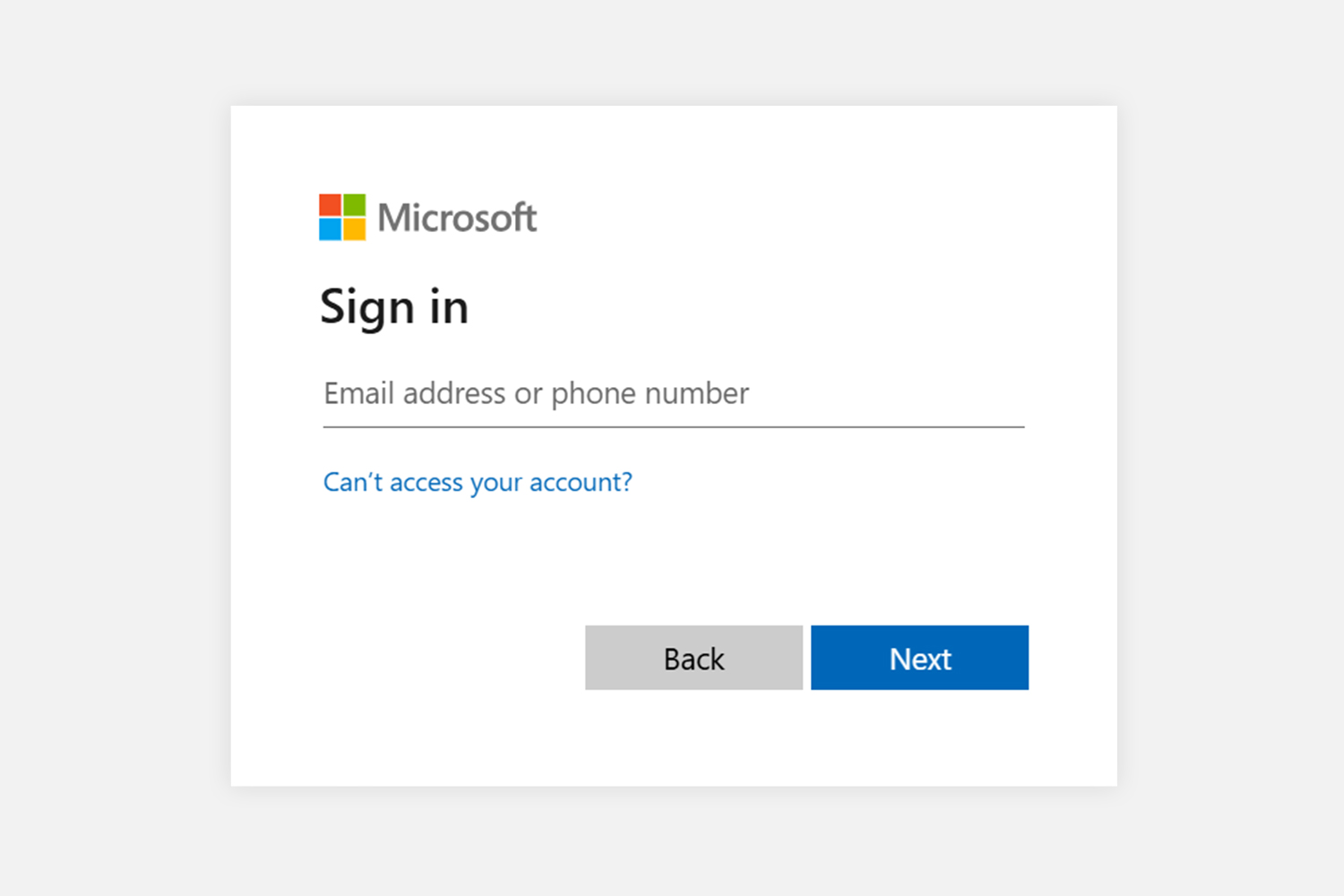
Microsoft sign-in page
What is Microsoft SSO? A clear definition
Microsoft single sign-on (SSO) is an authentication service that allows users to access multiple applications with one set of login credentials. Instead of signing into each application separately, users authenticate once through their Microsoft account and then gain secure access to third-party applications without needing any extra passwords.
The purpose of Microsoft SSO is to simplify user access while maintaining strong security by centralizing identity verification. Microsoft SSO uses Microsoft Entra to deliver streamlined and secure access across digital environments.
Key advantages that Microsoft SSO provides
Cybersecurity benefits:
- Minimizing password risk: With Microsoft SSO, users authenticate once, reducing the chances of bad practices like password reuse or writing down credentials.
- Centralizing identity control: Through Microsoft Entra, IT teams can enforce multi-factor authentication (MFA) and conditional access policies consistently across all applications.
- Reducing phishing attacks: Centralized authentication and modern security protocols make it harder for attackers to steal credentials or trick users into revealing sensitive information.
- Enhanced email authentication: Microsoft SSO works alongside standards like Domain-based Message Authentication, Reporting, and Conformance (DMARC), Sender Policy Framework (SPF), and DomainKeys Identified Mail (DKIM). When combined with Sendmarc’s email security platform, it ensures only trusted users can send on behalf of your domain, reducing spoofing and phishing risks.
Operational benefits:
- Increased productivity: Users sign in once, reducing login friction and minimizing helpdesk calls for password resets.
- Improved IT efficiency: Centralized identity management streamlines onboarding, offboarding, and compliance auditing.
- Reduced operational costs: Lower password-related incidents and simplified identity management save time and resources.
By adopting Microsoft SSO, businesses strengthen their defense against identity theft, credential stuffing, and unauthorized access – safeguarding their data, users, and reputation. Once adopted, you can quickly use Microsoft SSO with Sendmarc’s email security platform to close the gap on identity and communication security.
How Microsoft SSO works: Technical overview
Microsoft SSO relies on Microsoft Entra, a cloud-based identity service, to manage authentication and issue access tokens that unlock integrated applications. Below is a simplified breakdown of how it works.
Authentication protocols and standards supported
Microsoft SSO supports widely adopted identity protocols and standards that provide strong security:
- Security Assertion Markup Language (SAML): An XML-based protocol that allows identity providers to securely pass authorization credentials to service providers.
- Open Authorization 2.0 (OAuth 2.0): An authorization framework that enables delegated access to resources.
- OpenID Connect (OIDC): A modern JSON-based identity layer built on OAuth 2.0 for authenticating users.
Microsoft SSO authentication flow
- User sign-in: A user initiates login through Microsoft’s sign-in portal.
- Authentication: Microsoft Entra validates credentials and applies security policies such as MFA and risk-based checks.
- Token issuance: After successful authentication, Microsoft Entra issues security tokens.
- Token validation: Connected applications receive and validate tokens, granting access without requiring additional logins.
- Seamless access: Users enjoy continuous access across apps and services while tokens remain valid.
Sendmarc integrates with Microsoft SSO
Microsoft SSO strengthens identity management, and Sendmarc integrates seamlessly with it. If you already use Microsoft SSO, you can continue to manage access centrally while adding the critical layer of email protection that Sendmarc provides. There is no tradeoff between centralized authentication and advanced email security – you get both.
How Sendmarc elevates your email security
- Complete DMARC monitoring and enforcement: Simplifies the setup and management of DMARC, SPF, and DKIM records.
- Real-time reporting and threat detection: Identifies spoofing and phishing attempts targeting your domain.
- Seamless Microsoft SSO integration: Works natively with Microsoft Entra, allowing secure, centralized access to the Sendmarc platform.
- Actionable insights: Provides analytics that help security teams respond quickly and reduce exposure.
Get started with Sendmarc today
Pair Microsoft SSO with Sendmarc’s email security services to create a robust defense against cyberthreats. Reduce risk, increase compliance, and improve your company’s security posture with ease.