DMARC record checker tool
Use Sendmarc’s DMARC record checker to validate and troubleshoot your domain’s Domain-based Message Authentication, Reporting, and Conformance (DMARC) record. Confirm your protection against phishing, spoofing, and other email threats – fast.
To begin, enter your business’s domain below and click Test record to view your configuration and uncover any issues.
What is a DMARC record checker?
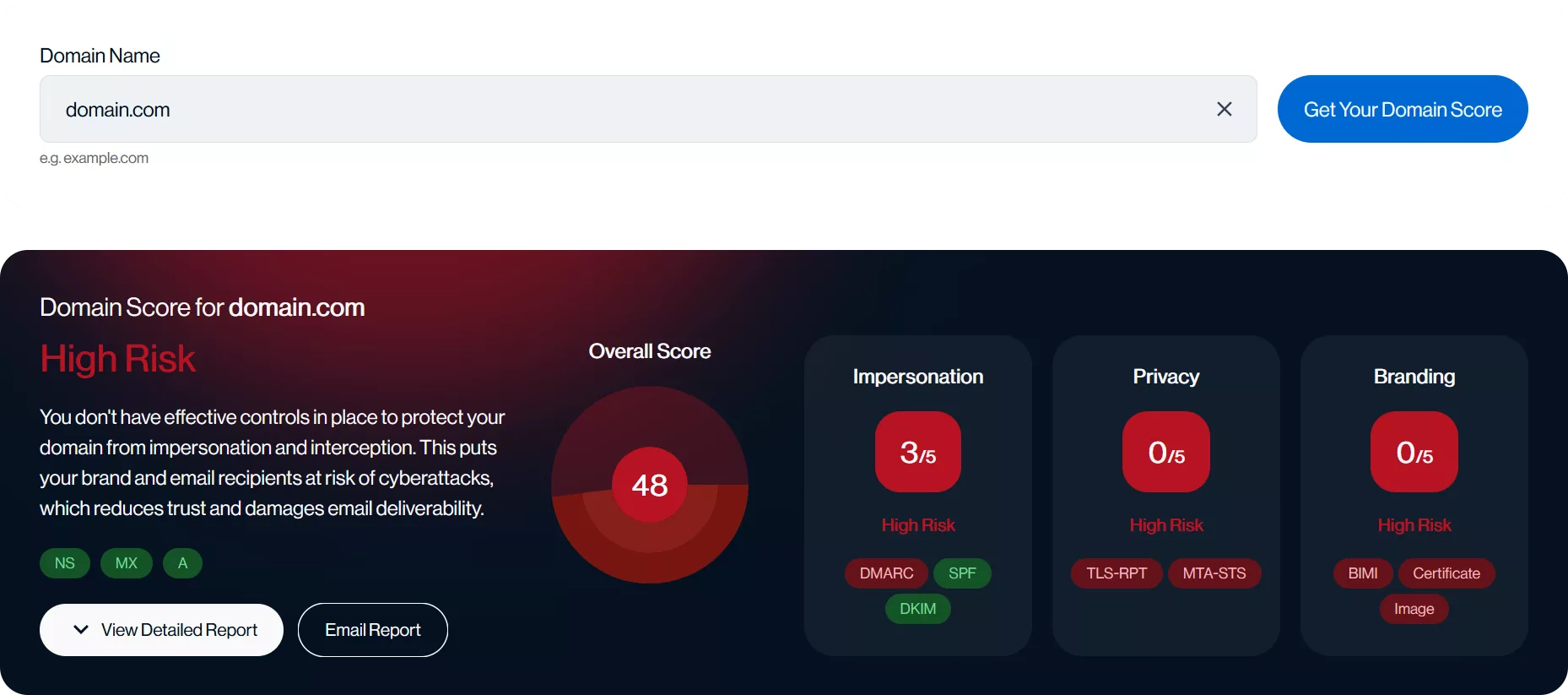
Sendmarc’s record checker is an online diagnostic tool that helps identify, validate, and troubleshoot the record published in a domain’s DNS.
The DMARC lookup tool analyzes the domain’s record for:
- Presence and correct publication
- Syntax accuracy
- Policy configuration (for example: none, quarantine, reject)
- Reporting addresses for aggregate and failure DMARC reports
- Other DMARC parameter switches
Additionally, please check your organization’s domain score to manage its domain to the highest DMARC levels.
Why is this important?
DMARC is an email authentication protocol that protects a domain from unauthorized use, such as phishing, spoofing, and other email-based attacks, by verifying that emails sent from the domain are legitimate.
Without a valid record, a domain is vulnerable to email-based threats. Regular checks help ensure that the domain’s DMARC policy is correctly configured and compliant with industry standards.
Why your organization should use a DMARC record checker
A DMARC checker is essential for any business concerned with email security and deliverability.
Key reasons for using a validator:
Prevent configuration errors
Check if DMARC is enabled to identify and correct syntax or policy mistakes that could expose the domain to cyberthreats.
Enhance deliverability
A properly configured record improves email deliverability and reduces the likelihood of legitimate messages being marked as Spam.
Ensure compliance
Stay aligned with evolving DMARC requirements from major email providers, such as Google, Yahoo, and Microsoft.
Ready to check a record?
How to use a DMARC record checker
Performing a DMARC record check is straightforward.
Follow these steps:
1. Enter the domain
Input the domain name into the required field.
2. Get the record
The tool fetches the DMARC TXT record from the DNS and displays it in an easy-to-read format.
3. Analyze the results
- Determine if a record is present
- Identify syntax or configuration errors
- Review the policy settings (none, quarantine, reject)
- Check reporting addresses (
RUA and RUF) - Detect missing records
Tip: Regularly perform a DMARC test on your company’s record, especially after making changes to DNS settings or if email deliverability issues are seen.
4. Receive guidance
If errors or misconfigurations are found, the checker recommends taking action.
Example record
This example sets the policy to quarantine and specifies where to send aggregate and forensic reports.
Missing or incorrect record? Use a DMARC record checker
If a record is missing or incorrectly configured, the domain is at risk. DMARC verification helps detect common issues, such as:
- No record was found
- Syntax errors
- Incorrect reporting addresses
How to fix DMARC misconfigurations
- Use the checker’s error messages to identify specific issues
- Update the DNS with a corrected record
- Re-run the validator to confirm the fix
- Monitor DMARC reports to ensure continued compliance
Safeguard your domain and reputation
Try Sendmarc’s free trial today to improve email security and protect your domain from phishing and spoofing.

